 Merriwood
Book again
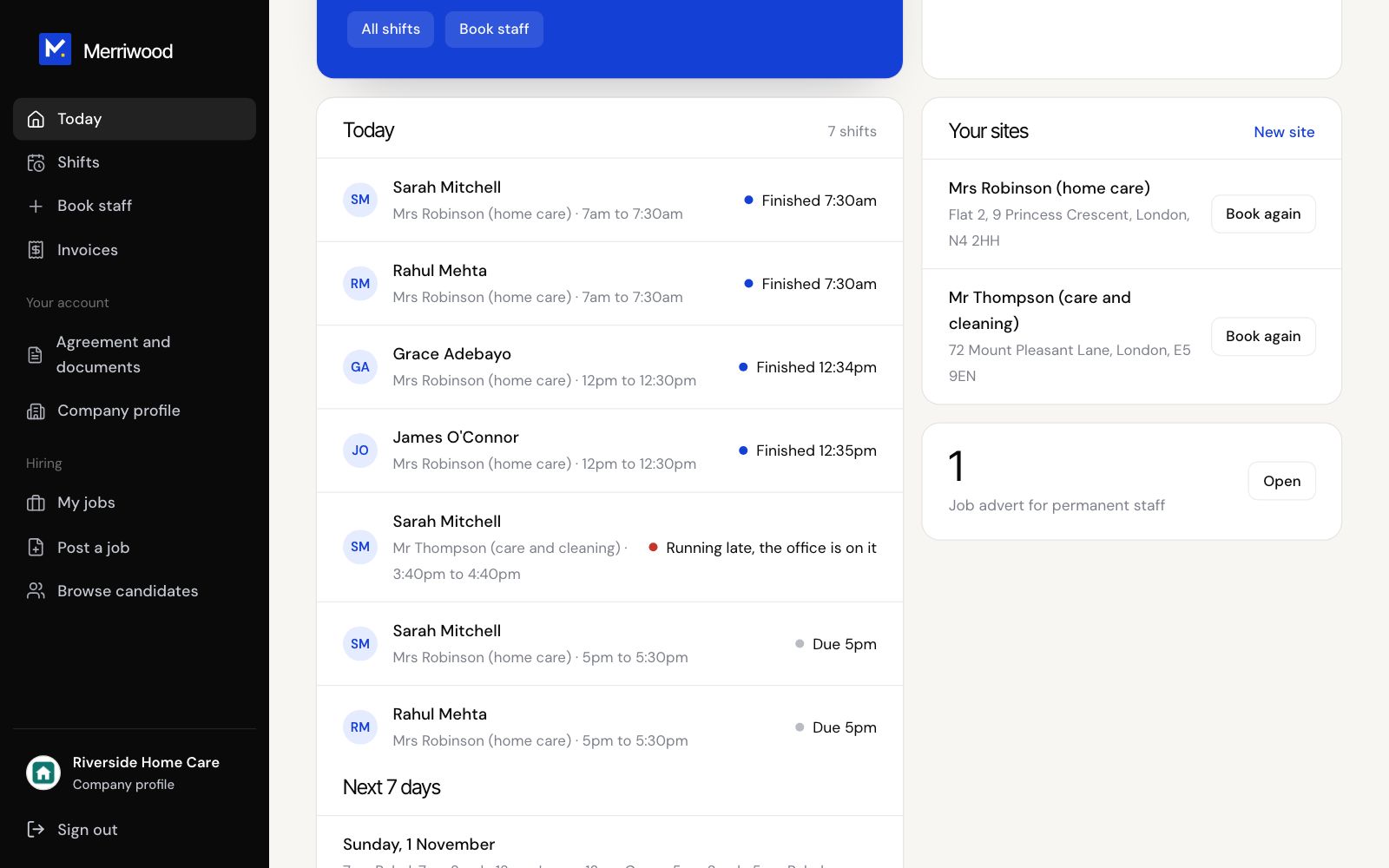
Book more staff for a place you've booked before, without typing it all again.
Step by step
- On Today, find Your sites.
- Click Book again beside the place.
- The form opens with the place, address, contact, how to get in and your details filled in.
- Add the dates, days, visit times and tasks, then click Send booking.
Good to know
- It's sent as a new booking, and we'll call you as usual.
- Booking for a new place? Use New site.