 Merriwood
Book staff and set the tasks
Tell us where, when and what needs doing. It takes about 5 minutes.
Step by step
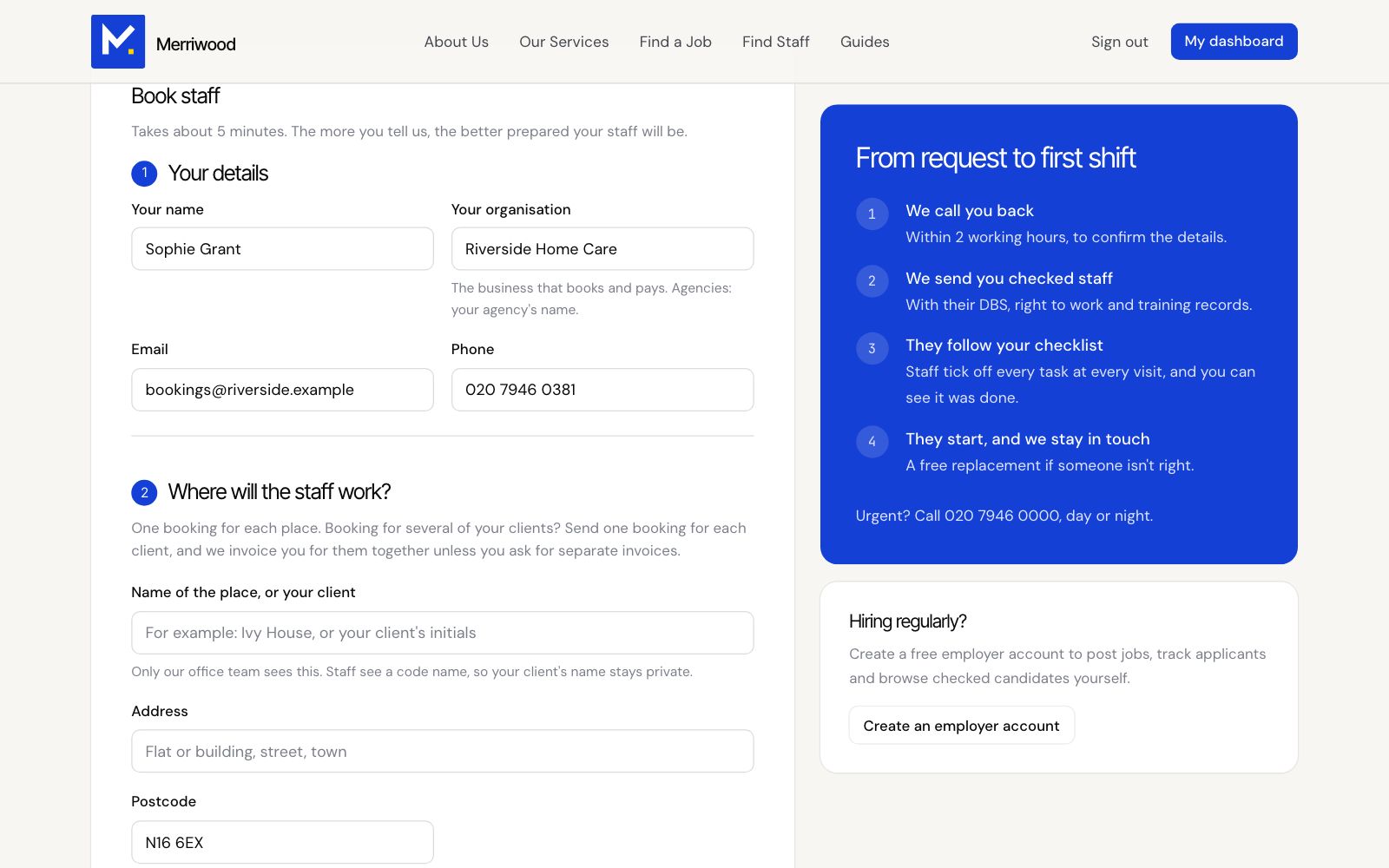
- Click Book staff. Signed in, your details are filled in for you.
- Under Where will the staff work?, add the place, address and postcode, and how staff get in. Door codes are only shown to the staff booked, on the day.
- Under What do you need?, tap the type of work and the job title. For care, say whether it's for a CQC registered provider, with your CQC ID, or for you or your family.
- Under When?, set the start date, the days, and each visit time with how many staff you need. Tap Add another visit time for more.
- Under Task checklist, the usual tasks are ticked. Untick anything that doesn't apply, and add your own tasks.
- Tick to agree to the terms of business and click Send booking.
Good to know
- We'll call you within 2 working hours and email you to say your booking is in.
- Staff tick off each task at every visit, so the list is worth getting right.
- Charges are confirmed in writing before staff start.