 Merriwood
Today and arrivals
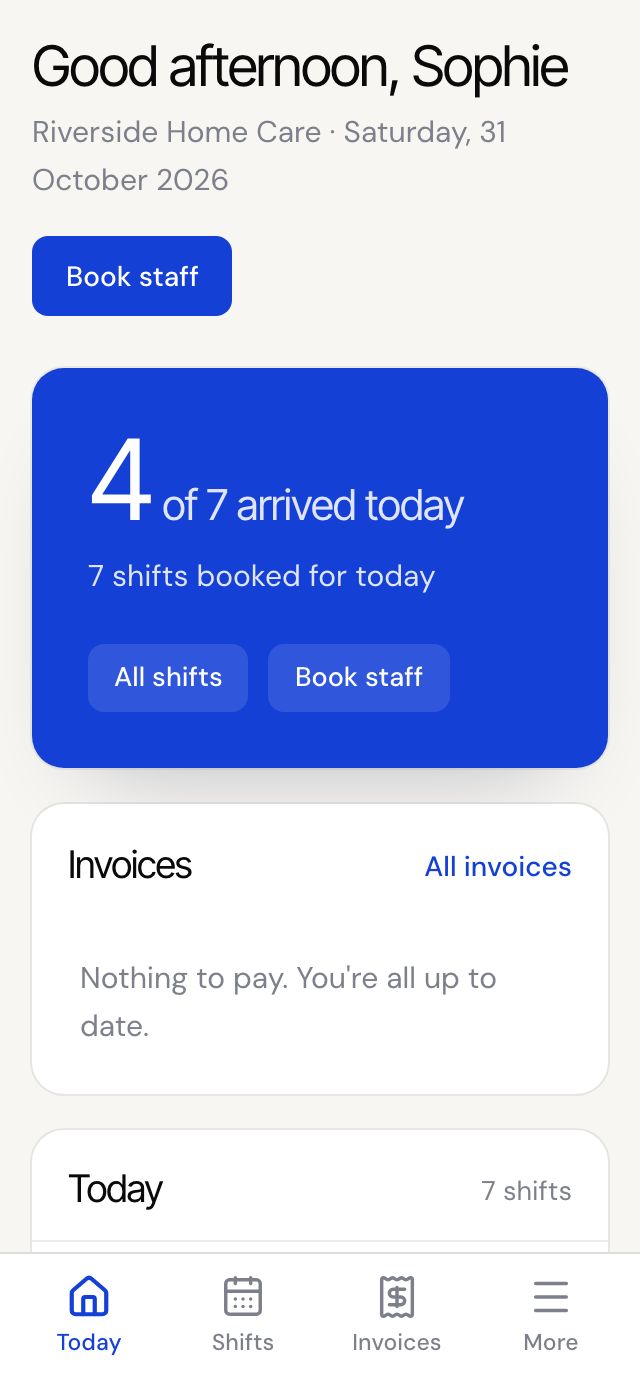
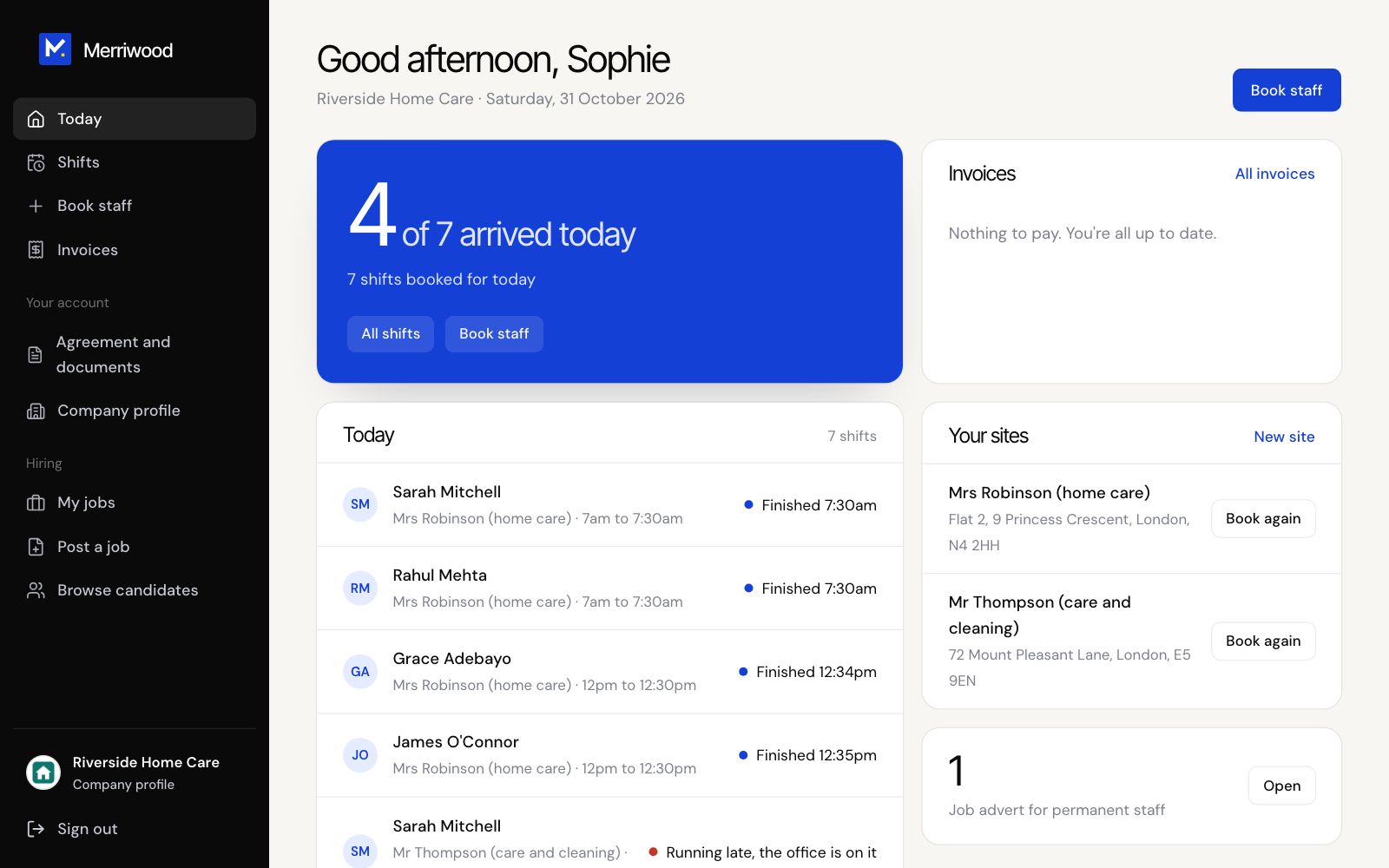
See who's arrived today, what's coming up, and anything to pay.
Step by step
- Sign in to open Today.
- The top shows how many staff have arrived out of today's total.
- Under Today, each visit shows who's coming and its status: Due, Arrived, Finished, or that the office is on it.
- Next 7 days shows what's coming up, and Your sites lists each place you book for.
- Tap Shifts to see the last week, this week and next week in full.
Good to know
- Arrival messages come if your agency has switched them on for your visits: an email and a text when each person clocks in. Ask your agency to switch them on or off.
- To stop the arrival texts, reply STOP to one. Reply START to have them back.
- If a worker tells us they're running late, we text and email you.
- Running late, the office is on it, or We're finding someone, means the office is already dealing with it.