 Merriwood
Sign your agreement
Review your rates and terms, then sign online. No printing needed.
Step by step
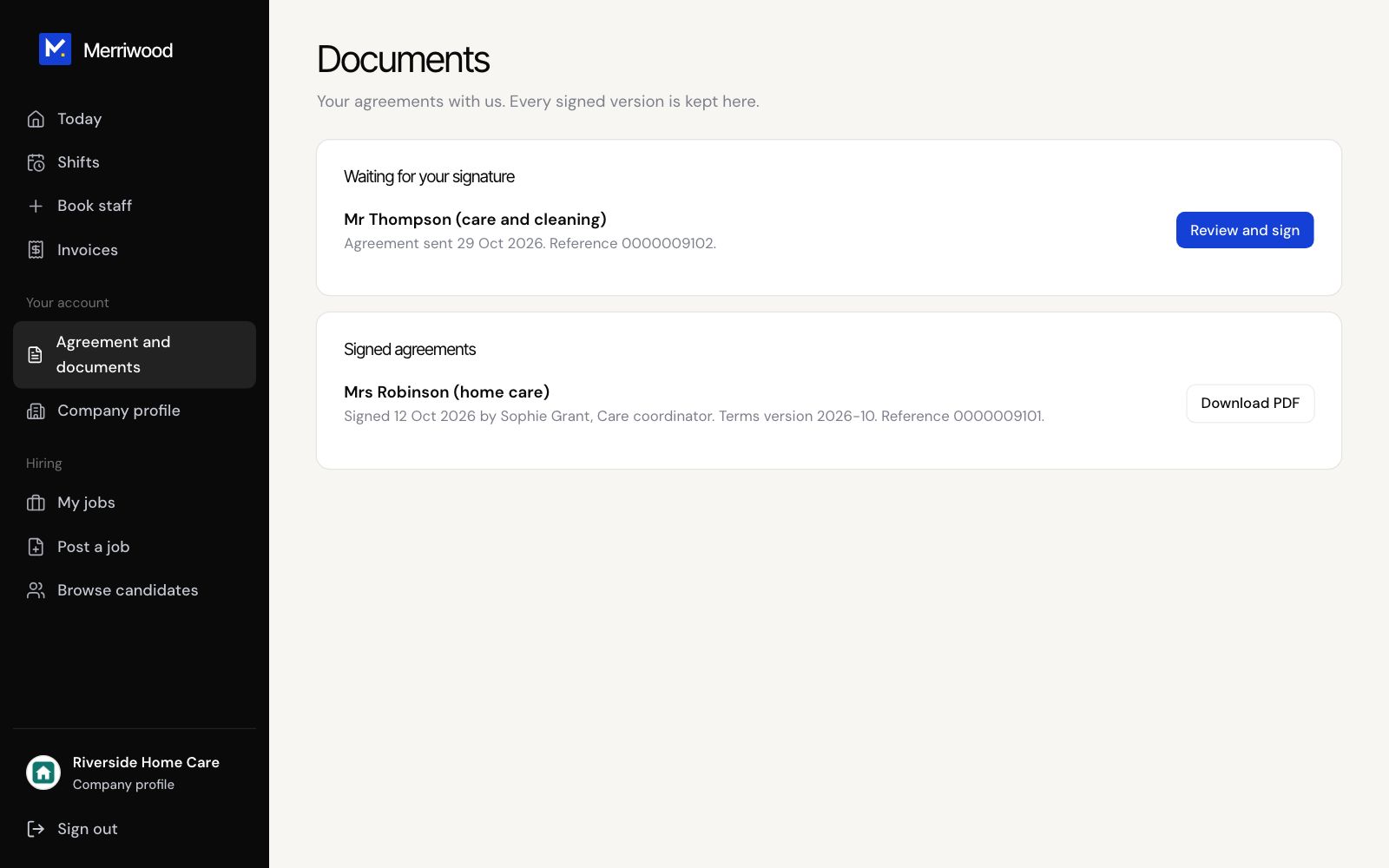
- After you book, we email you Review and sign your agreement. Click Review and sign. You can also find it under Agreement and documents.
- Read the agreement: who it's between, the work, the rates, invoices and payment, and the terms of business.
- Enter Your full name and Your job title.
- Sign in the box with your finger or mouse, or click Type my signature instead.
- Tick that you're authorised to sign for your organisation, then click Sign the agreement.
- We email you a copy with the signed PDF, and it's kept under Agreement and documents.
Good to know
- The link works for 30 days. If the rates change, we'll send you a fresh copy to sign.
- For care visits, we can't start until the agreement is signed.