 Merriwood
Invoices and documents
See every invoice and download it, and find your signed agreements.
Step by step
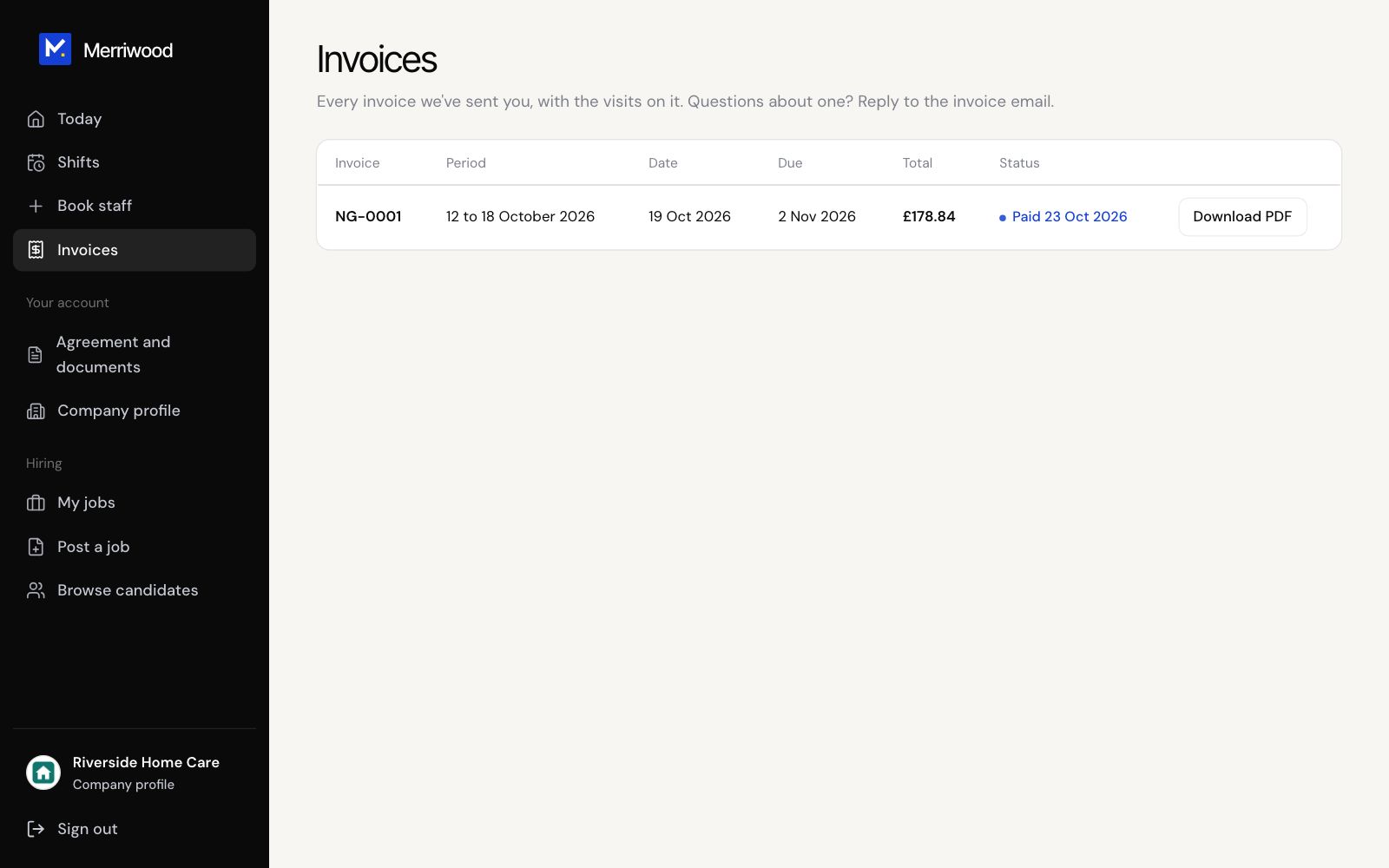
- Tap Invoices. The top shows what's waiting to be paid.
- Each invoice shows its period, dates, total and status: Waiting for payment, Overdue or Paid.
- Click Download PDF to keep a copy. Each invoice is also emailed to you, with how to pay.
- For your agreements, open Agreement and documents. Anything to sign is at the top, and every signed version is kept below.
Good to know
- Questions about an invoice? Reply to the invoice email.
- With phone alerts on, you're told when a new invoice is ready.