 Merriwood
Visit notes and photos
See what staff wrote about each visit, and photos of the work.
Step by step
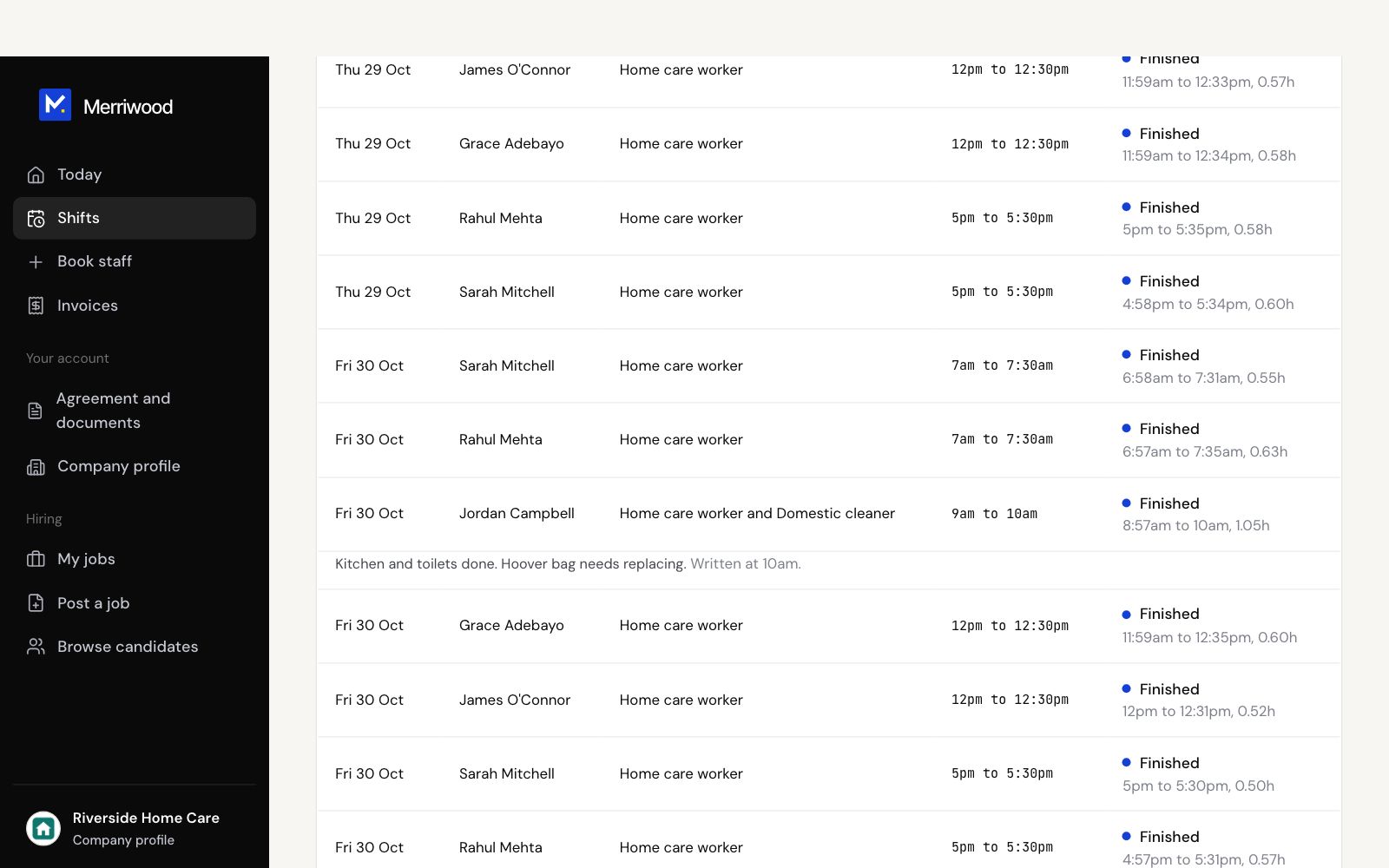
- Tap Shifts.
- Under each visit you'll see the worker's note, with the time it was written.
- Tap a photo to see it full size.
Good to know
- Staff can add a note and up to 6 photos from when they arrive until 12 hours after they finish.
- Photos are of the work only, and only you, the worker and the office can see them.