 Merriwood
The shift calendar and Find someone
See every shift by day, week, month or rota, and fill gaps quickly.
Step by step
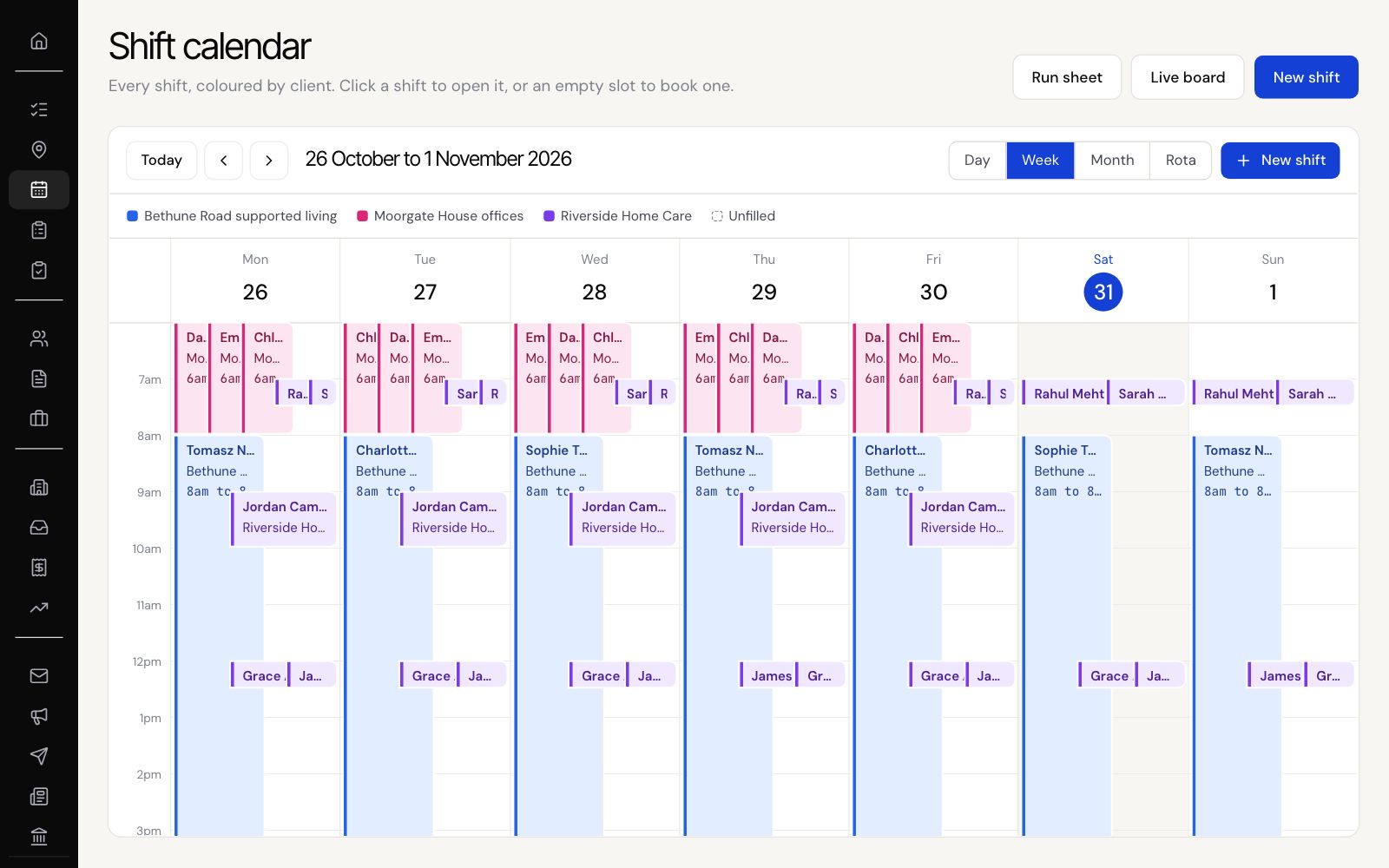
- Open Shift calendar. Shifts are coloured by client, and unfilled ones stand out.
- Use Today and the arrows to move, and Day, Week, Month or Rota to change the view.
- Click a shift to see the job, site, contact and status, with Open, Call and Delete.
- On an unfilled shift, click Find someone to see who's free for it, then Book.
- Click an empty slot to book a new shift there.
Good to know
- Deleted shifts can be restored from Timesheets, under Deleted, for 30 days.