 Merriwood
The live board and late alerts
Watch the day as it happens, and know straight away when someone hasn't arrived.
Step by step
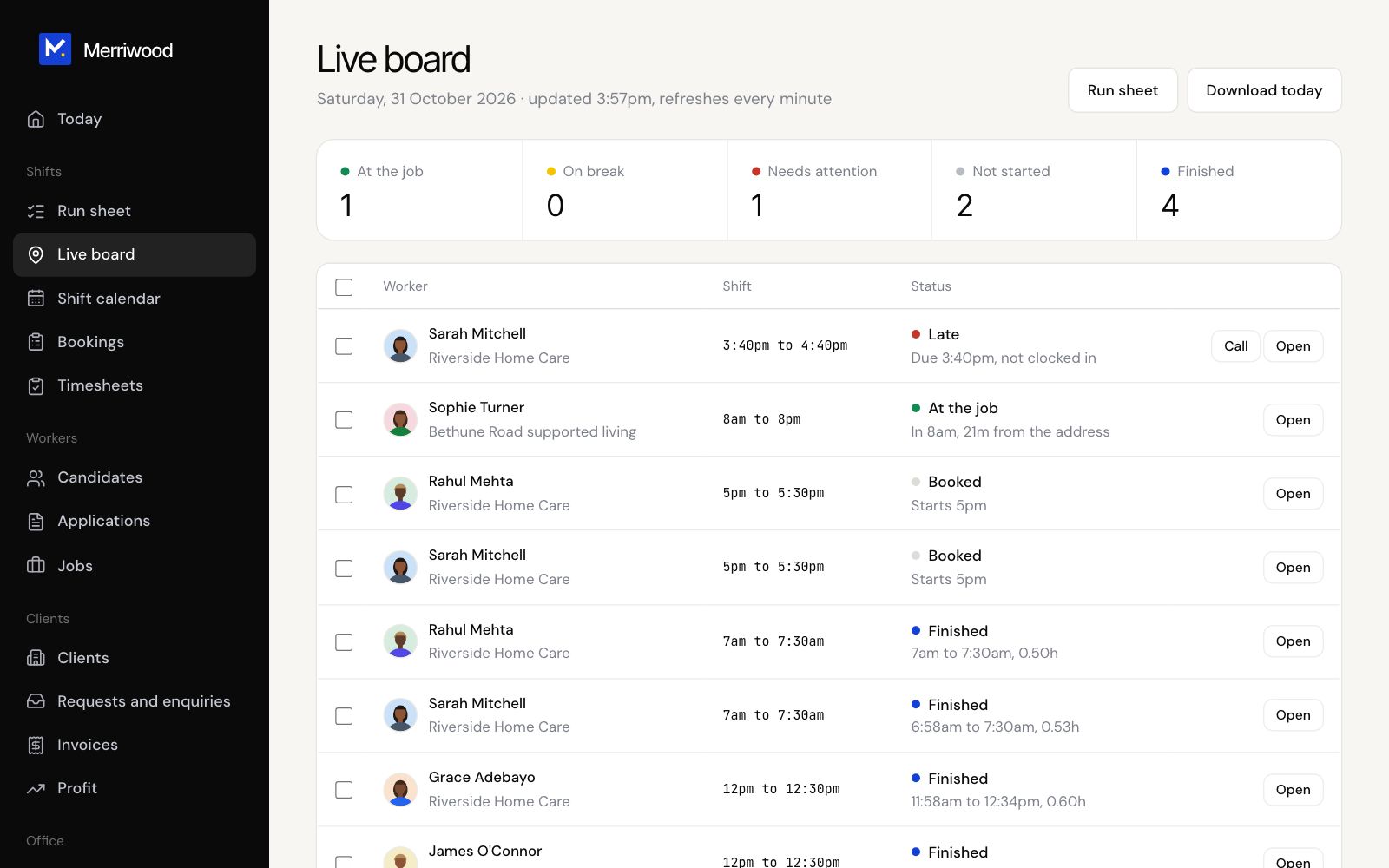
- Open Live board. It refreshes every minute.
- The numbers at the top show who's at the job, on a break, needs attention, not started and finished.
- The list puts anything urgent first. Click Call on a late worker, or Open to see the shift.
- The map shows each job, with a dashed circle for the clock in zone.
Good to know
- A worker shows Late 5 minutes after the start with no clock in, and No show once the shift has ended.
- If a worker hasn't clocked in 10 minutes after the start, the office is texted, emailed and sent a phone alert, once per shift.
- The client isn't told by the late alert. Call them if needed.