 Merriwood
The message log
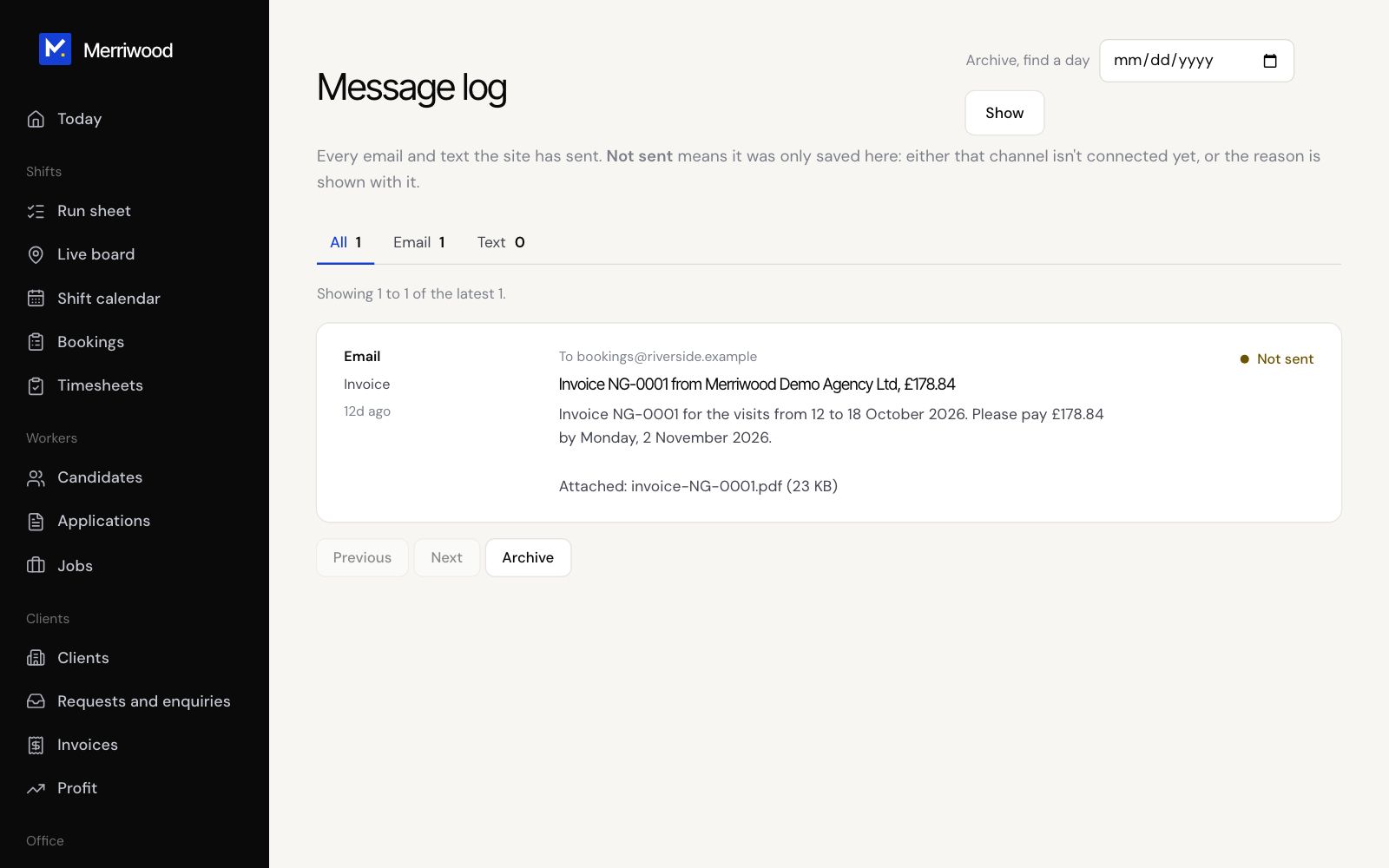
Every email and text the app has sent, and whether it went.
Step by step
- Open Message log from the menu.
- Use the tabs to see All, Email or Text.
- Each message shows who it went to, when, and its status. Click Show full message to read it.
- To look further back, use Archive. Pick a day and click Show.
Good to know
- Sent means it went to the provider. Not sent means texts or email aren't connected, or the number isn't a UK mobile, and the reason is shown. Failed means the provider refused it.
- Open Emails to see every automatic email, preview it and send yourself a test.