 Merriwood
The office app on your phone
Run the day from your phone, with alerts when something needs you.
Step by step
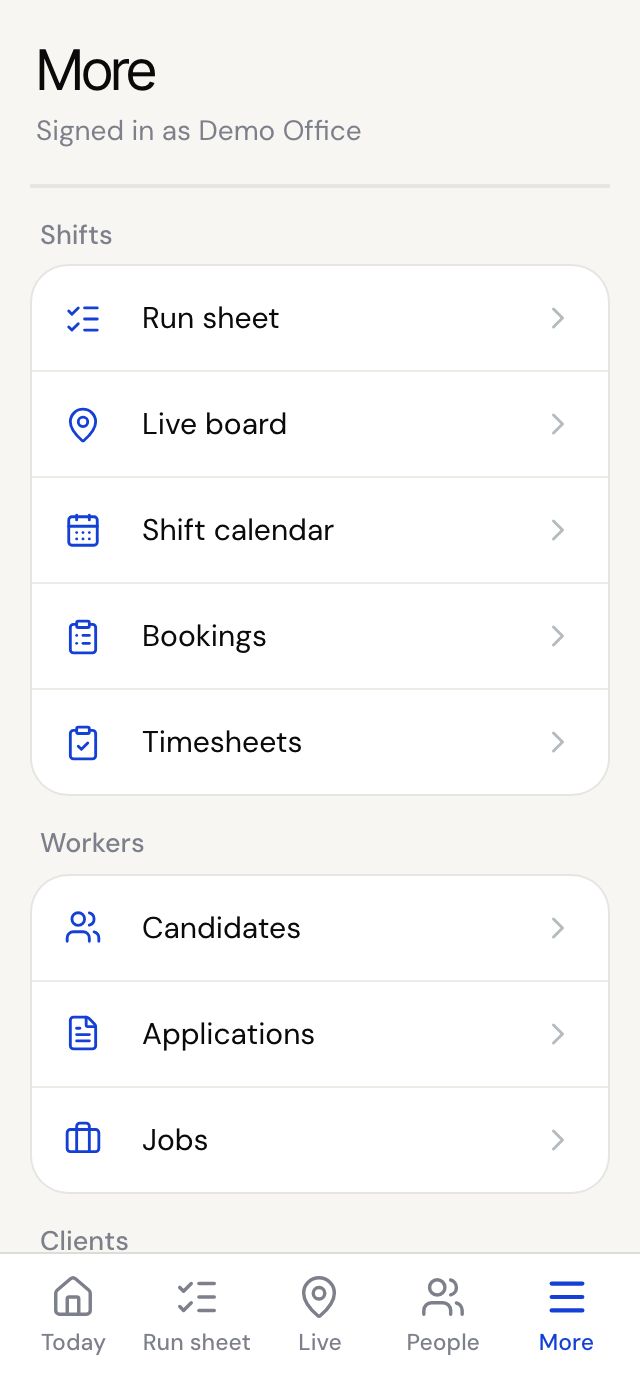
- Sign in on your phone. The tabs at the bottom are Today, Run sheet, Live, People and More.
- Tap More for everything else: bookings, invoices, profit, messages and settings.
- On More, turn on Phone alerts. You'll be alerted about late workers, problems and new requests.
- To put the app on your home screen, use the box on More. On iPhone use Safari: Share, Add to Home Screen, Add. On Android use the Chrome menu, then Install app.
Good to know
- On iPhone, alerts only work once the app is on your home screen.
- Alerts are per phone, so turn them on on each phone you use.