 Merriwood
Rates, pay and profit
Set what the client pays and what the worker earns, then see what you keep.
Step by step
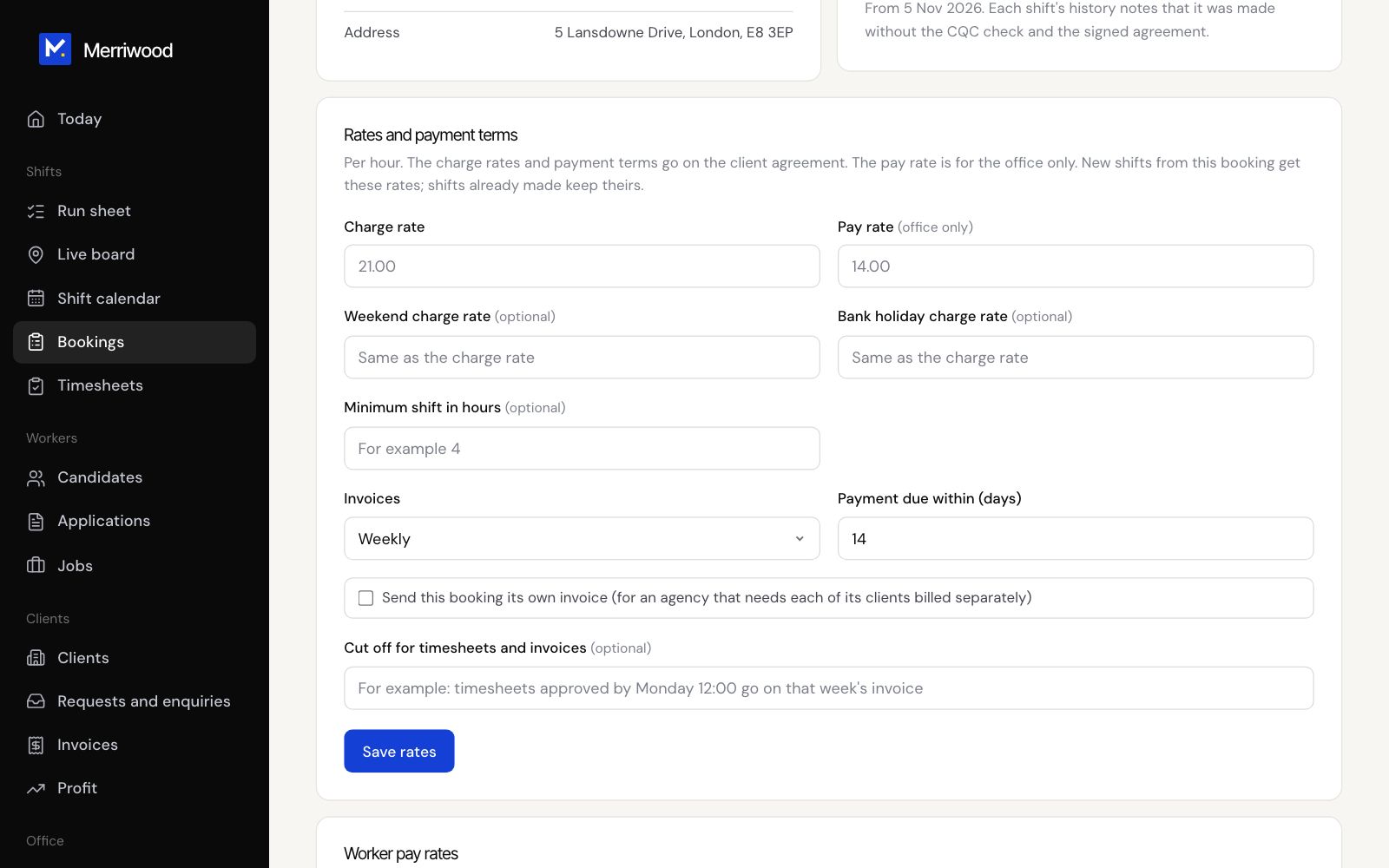
- Open the booking and find Rates and payment terms.
- Enter the Charge rate and Pay rate an hour, plus weekend and bank holiday charge rates if they differ.
- Set the minimum shift, how often to invoice and when payment is due, then click Save rates. The margin shows underneath.
- To pay one worker differently on this job, use Worker pay rates.
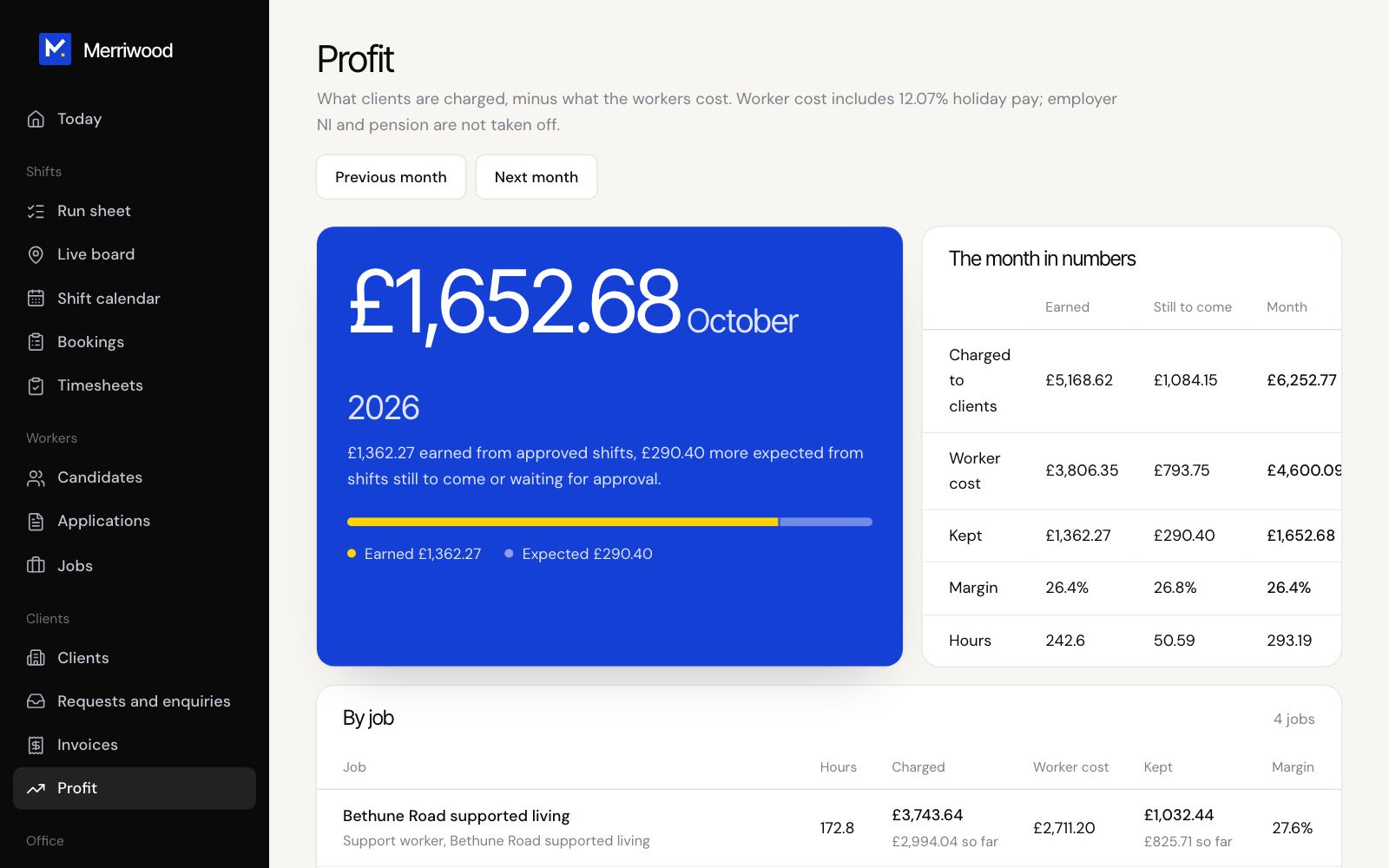
- Open Profit from the menu to see each month: charged to clients, worker cost, what you kept and your margin, by job and by client.
Good to know
- New shifts get the booking's rates. Shifts already made keep theirs.
- Worker cost on Profit includes holiday pay but not employer National Insurance or pension.
- Shifts missing a rate are listed so you can fix them.