 Merriwood
Put the app on your Android phone
Install the app from Chrome so it opens like any other app.
Step by step
- Open your agency's website in Chrome and sign in.
- When the box Put the app on your home screen appears, tap Install the app, then Install.
- No box? Tap the three dots menu at the top right of Chrome, then Install app or Add to Home screen.
- Open the app from your home screen from now on. It opens full screen at your shifts.
Good to know
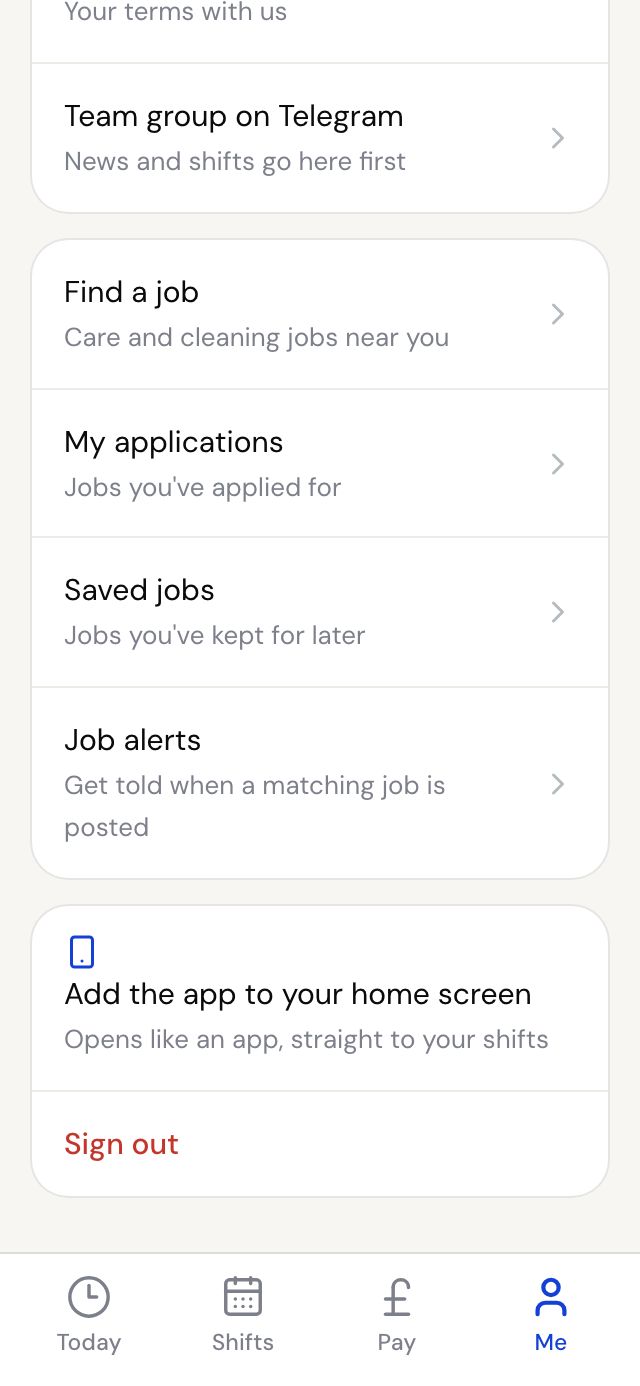
- You can open the install box again any time from Me, then Add the app to your home screen.
- If your phone doesn't offer Install app, use Add to Home screen. It works the same way.