 Merriwood
Your profile and papers
Keep your details, photo and documents up to date, and see what's still needed.
Step by step
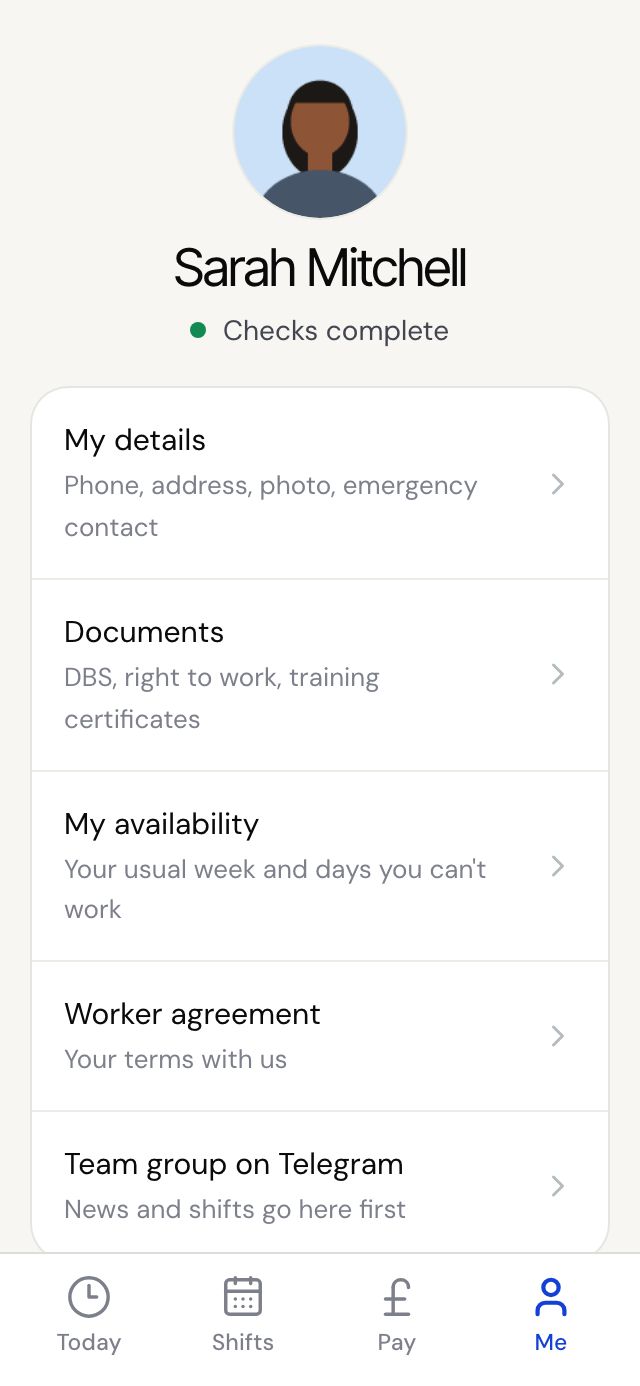
- Tap Me. At the top you'll see Checks complete, or how many things are left to sort.
- If there's a Still needed box, tap it to go straight to the step that needs finishing.
- Tap My details to change your phone, address, photo or emergency contact. Each section has an Edit button.
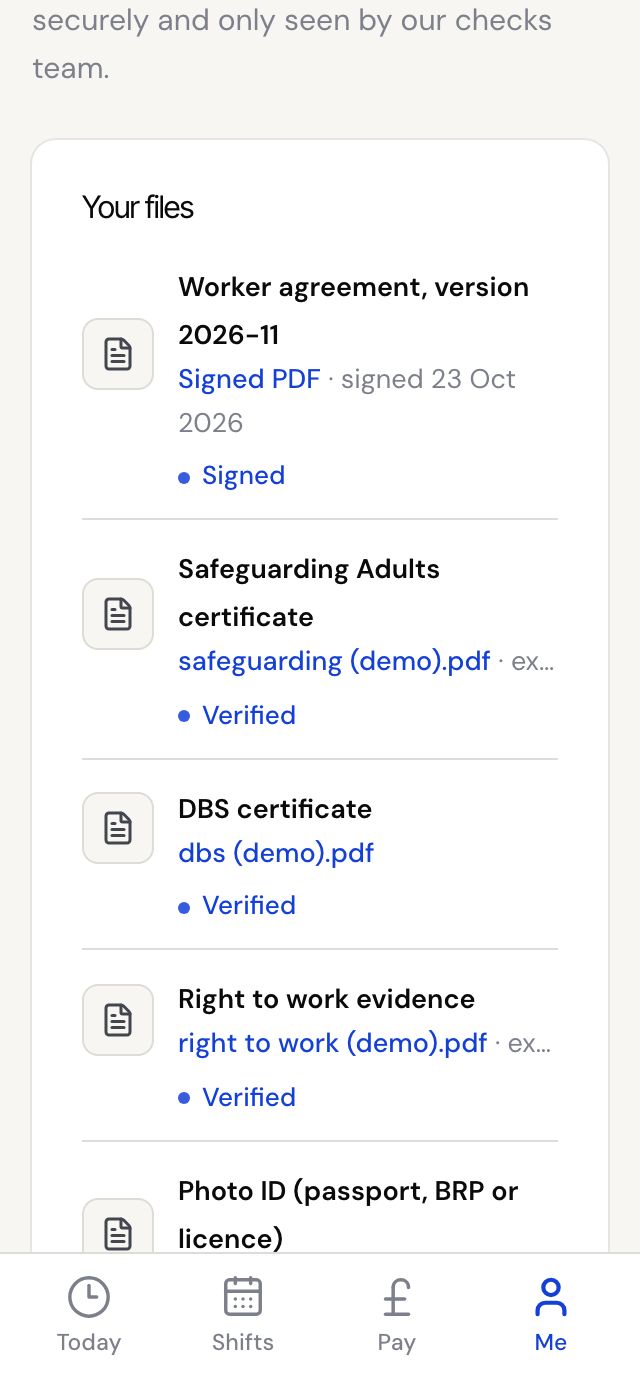
- Tap Documents to add a paper. Choose the Document type, pick the file, add the issue and expiry dates if it has them, then tap Upload.
- Your agency checks each document. Expired or expiring papers are marked so you know to send a new copy.
Good to know
- Files can be a PDF, a photo or a Word document, up to 4MB each.
- We email you before a certificate expires, so you have time to upload a new one.