 Merriwood
The team group and orientation
Join the team Telegram group, and what happens when you're selected for orientation.
Step by step
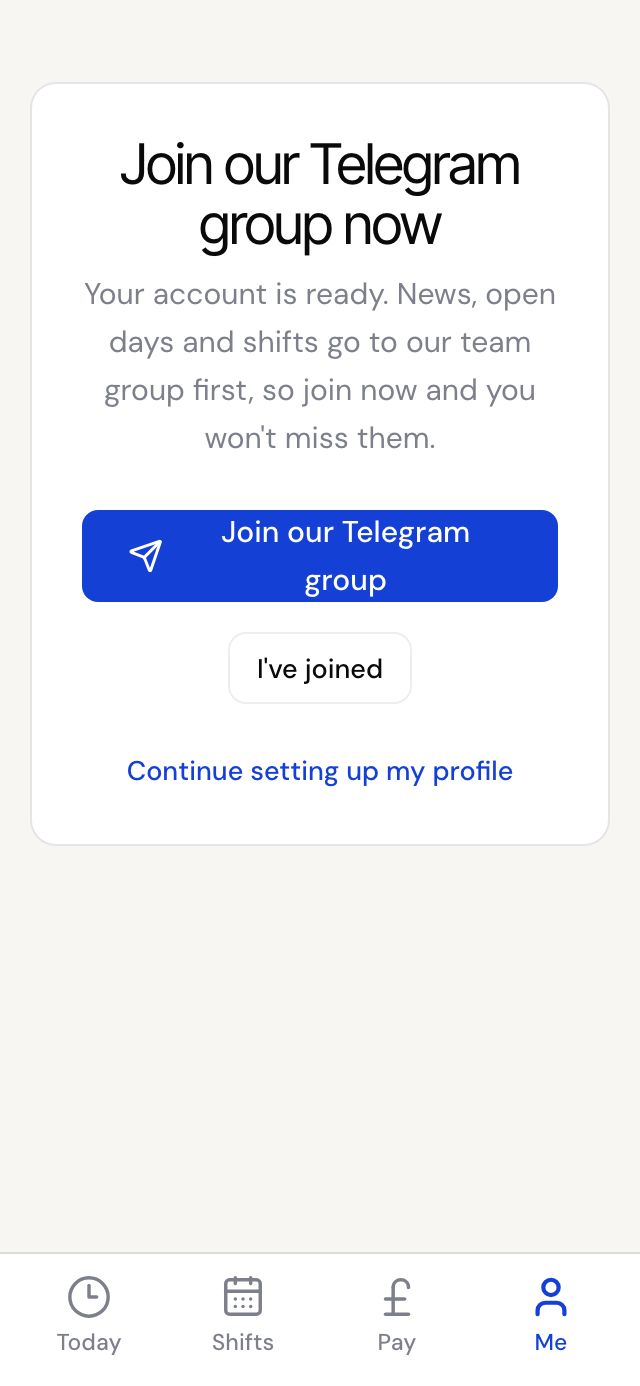
- After you sign up, and again when you finish your profile, you'll see Join our Telegram group now. Tap Join our Telegram group.
- Once you've joined, come back and tap I've joined, so the reminder goes away.
- When the office has checked your profile, they may select you. You'll get an email and a text saying you've been selected for orientation.
- Orientation is a short welcome and training session on Zoom on Saturdays. The Zoom link is posted in the team group.
- After orientation, the office sends you your worker agreement to sign.
Good to know
- Joining the team group is required once you're selected. News and shifts go there first.
- You can open the group again any time from Me, then Team group on Telegram.
- If you aren't selected yet, we email you what would help and when we'll look at your profile again.