 Merriwood
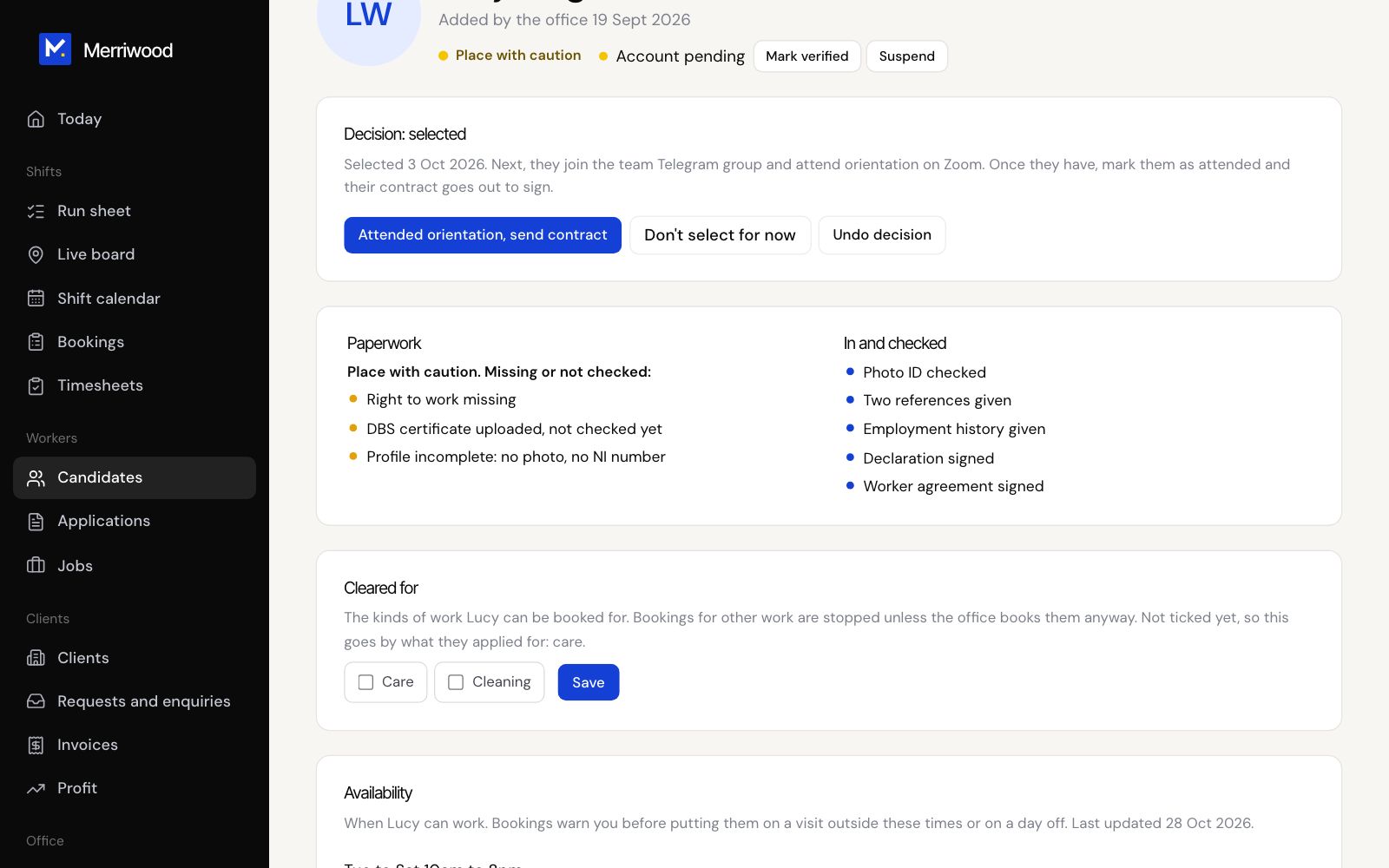
After orientation, send the contract
One click records orientation and sends the worker their agreement to sign.
Step by step
- Open the worker's file. Use the Waiting for orientation tab on Candidates to find them.
- Click Attended orientation, send contract.
- They get an email and a text with a link to read and sign their worker agreement. The link works for 30 days.
- The Worker agreement panel shows Not signed, Signed, or Out of date. Use Send agreement again if they need a fresh link.
- Once they sign, you're emailed a copy and Open signed PDF appears on their file.
Good to know
- The agreement can only be sent once they're selected, have attended orientation and have every required paper in. Test accounts only need to be selected.
- To send to everyone who hasn't signed the latest version, use Send agreement to on the Candidates page.