 Merriwood
Agency details, Telegram link and test accounts
Set up your legal details, invoices, the team group link, and test accounts for trying things out.
Step by step
- Open Agency details from the menu.
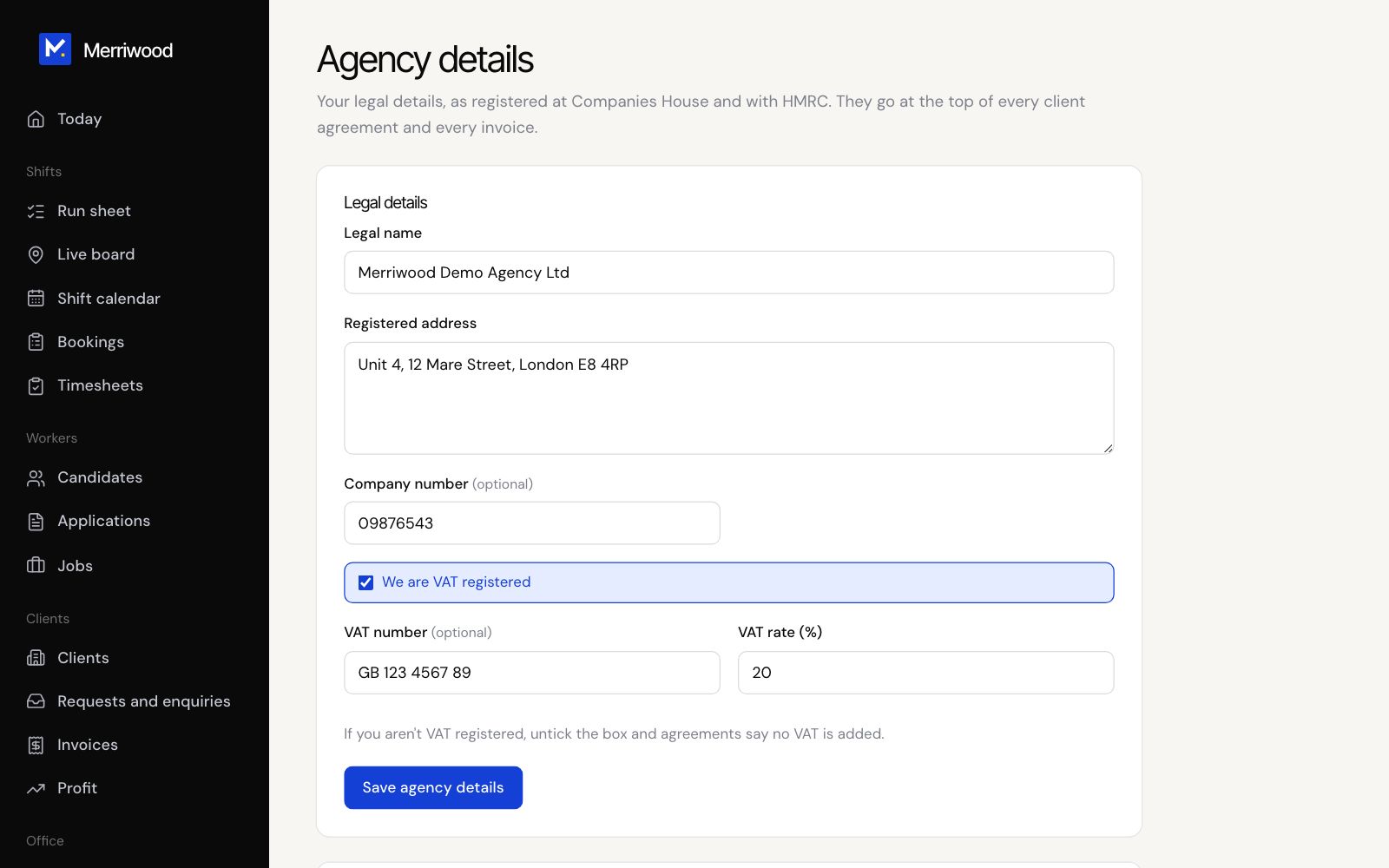
- Under Legal details add your legal name, registered address, company number and VAT details, then click Save agency details. Invoices and agreements use these.
- Under Invoices and pay statements set your invoice prefix, next number, payment terms and how clients pay you. Tick Make pay statements for workers if you want them.
- Under Worker agreement fill in pay day, pension provider, complaints contacts and who signs for the agency. Anything missing is listed, and the agreement can't be sent until it's filled in.
- Under Texts, enter your mobile and click Send a test text to check texts are working.
- Under Team Telegram group, paste your invite link, starting https://t.me/, and click Save link.
- Under Test accounts, type the email addresses you'll use for trying things out, pressing Enter after each, and click Save test accounts.
Good to know
- With a Telegram link saved, new workers are asked to join the group after signing up and after finishing their profile, and the link goes in their emails. Leave it empty to hide all of this.
- Test accounts only need a name, email, phone and password to sign up. Their papers count as complete and they can be booked without a signed agreement, so you can try the whole journey. Texts and emails still send. They show Test account on their file.
- Tick Workers must sign the agreement before they're put on new shifts to make signing required.