 Merriwood
Finish a visit and see your next one
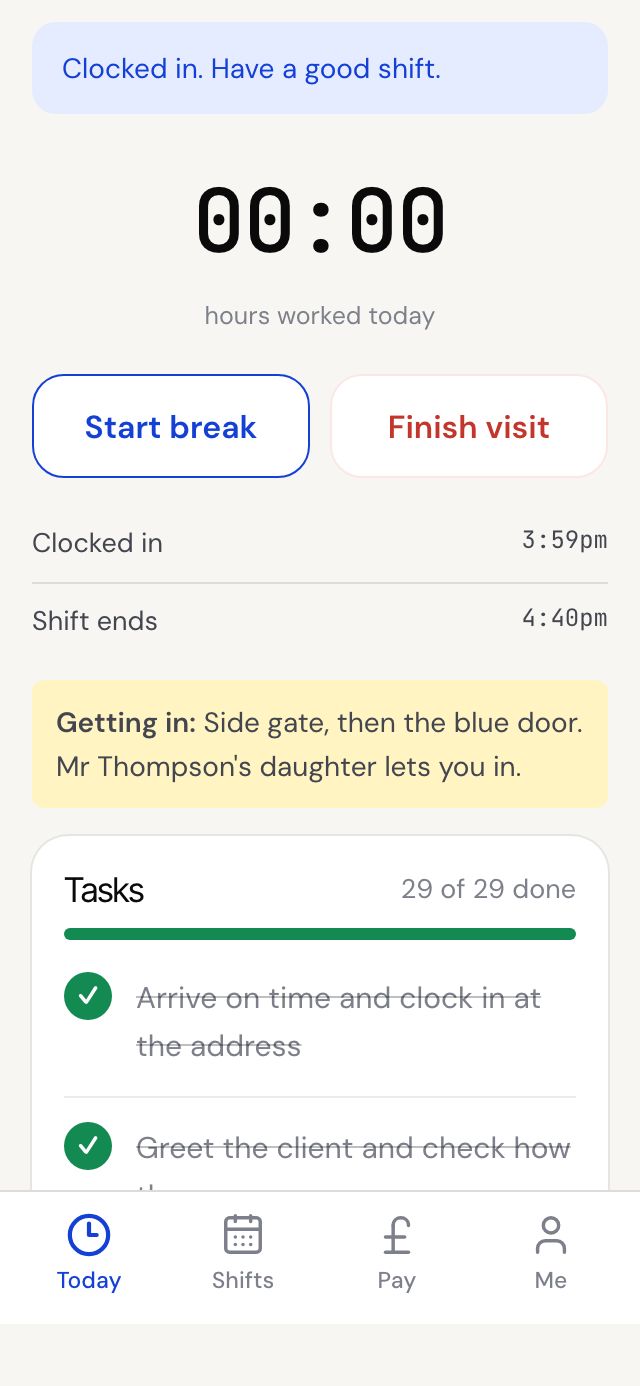
When every task is answered, tap Finish visit. Your next visit comes up straight away.
Step by step
- Answer every task, done or Can't do with a reason. Until then the button tells you how many tasks are left.
- Tap Finish visit, then confirm Finish this visit now?
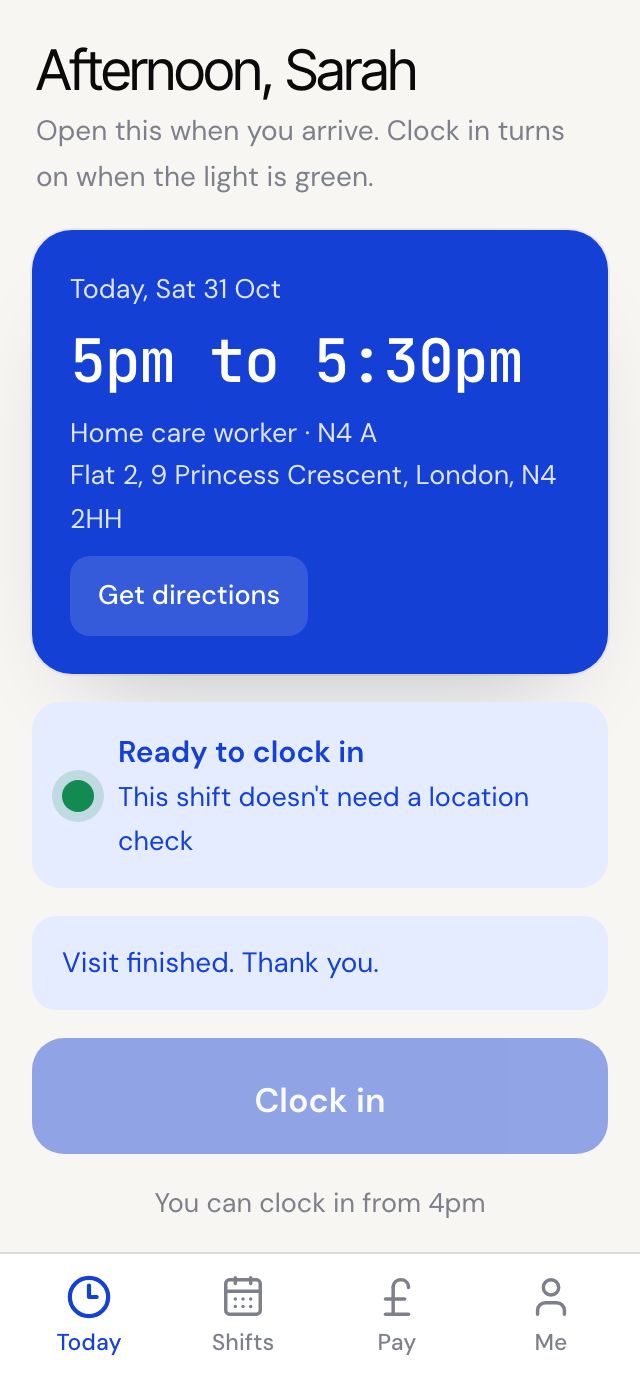
- You'll see Visit finished. Thank you.
- The Today screen now shows your next visit, ready to go.
- We also text and email you your next visit, or that's all your visits for today and when tomorrow starts.
Good to know
- There's no separate clock out. Finish visit records your finish time.
- Forgot to finish? Call the office and they can finish it for you with the right time.